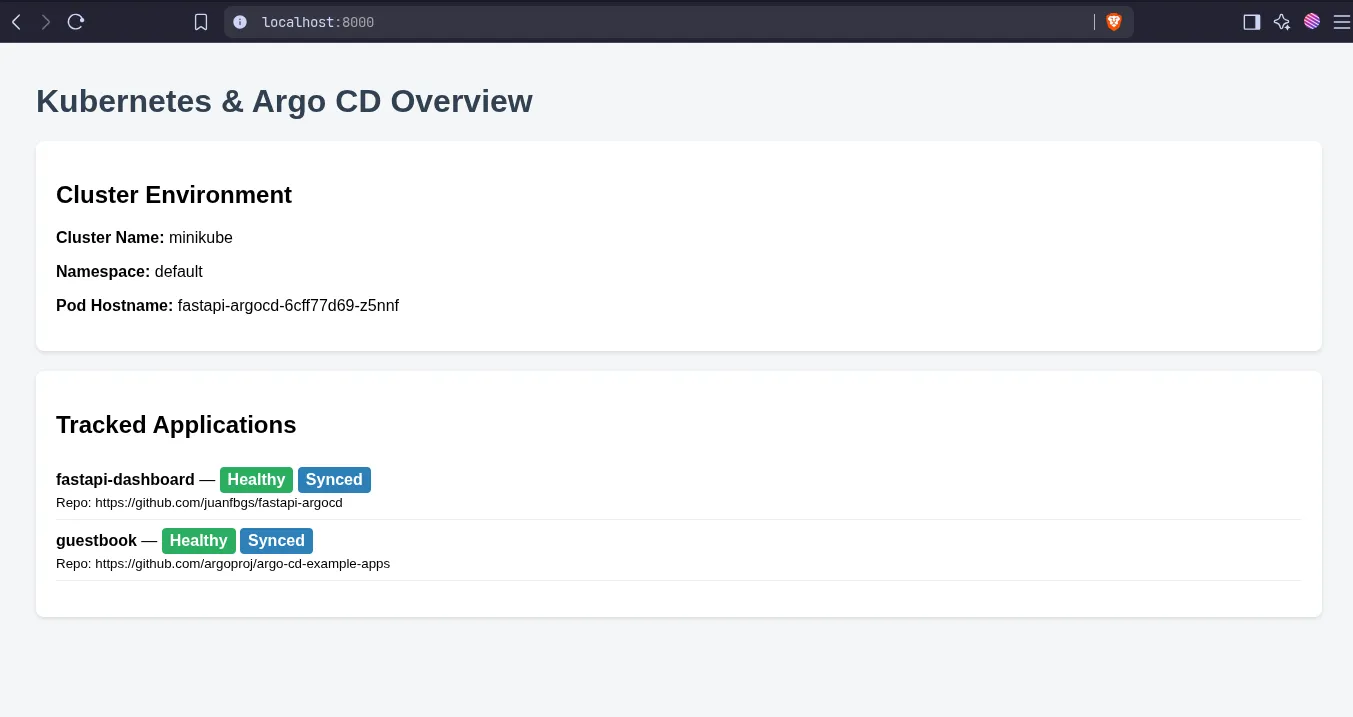
Minikube Argo CD setup
Setting up Argo CD inside a local Minikube cluster
Argo CD is a declarative, GitOps continuous delivery (CD) tool built specifically for Kubernetes. It automates the deployment of applications by keeping your live Kubernetes cluster in sync with configuration files stored in a Git repository.
Download tools
Start Kubernetes cluster with Minikube
minikube startCreate argocd namespace
A Kubernetes namespace is a mechanism for isolating groups of resources within a single cluster, providing a scope for names and enabling logical organization for multiple users, teams, or projects.
kubectl create namespace argocd> kubectl get namespaces
NAME STATUS AGE
argocd Active 80sApply the official installation manifest
kubectl apply -n argocd --server-side --force-conflicts -f https://raw.githubusercontent.com/argoproj/argo-cd/stable/manifests/install.yamlWait for all pods to be in the Running state
kubectl get pods -n argocd --watchNAME READY STATUS RESTARTS AGE
argocd-application-controller-0 1/1 Running 0 2m34s
argocd-applicationset-controller-5869fbf6cf-whxsx 1/1 Running 0 2m36s
argocd-dex-server-7d55bfc58-rjckn 1/1 Running 1 (88s ago) 2m36s
argocd-notifications-controller-76574f7fcd-6c6rq 1/1 Running 0 2m35s
argocd-redis-78c4b6647d-blgx9 1/1 Running 0 2m35s
argocd-repo-server-95fccf577-vv9hd 1/1 Running 0 2m35s
argocd-server-7985c69556-5r5zq 1/1 Running 0 2m35sExpose the Argo CD UI
Forward port 8080 on your machine to the argocd-server service
kubectl port-forward svc/argocd-server -n argocd 8080:443Log in Using The CLI
Retrieve this password using the argocd CLI
argocd admin initial-password -n argocdusername: admin
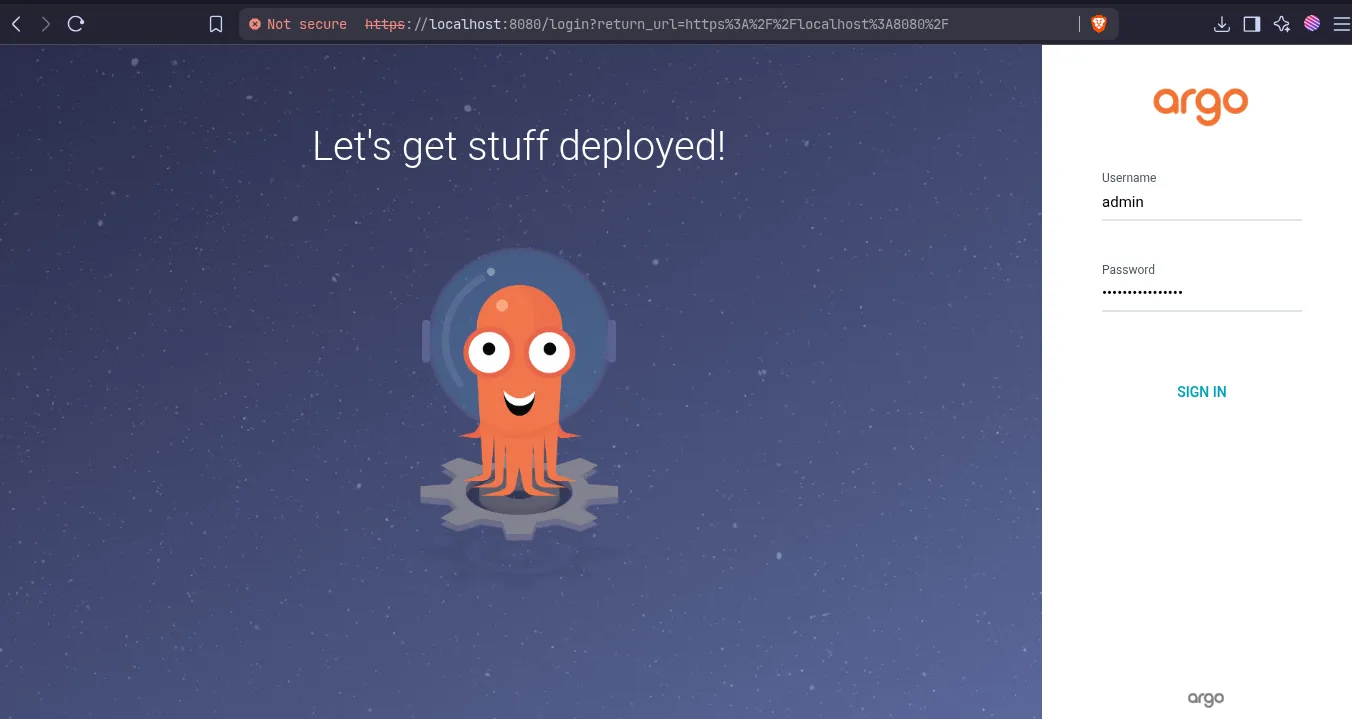
Login
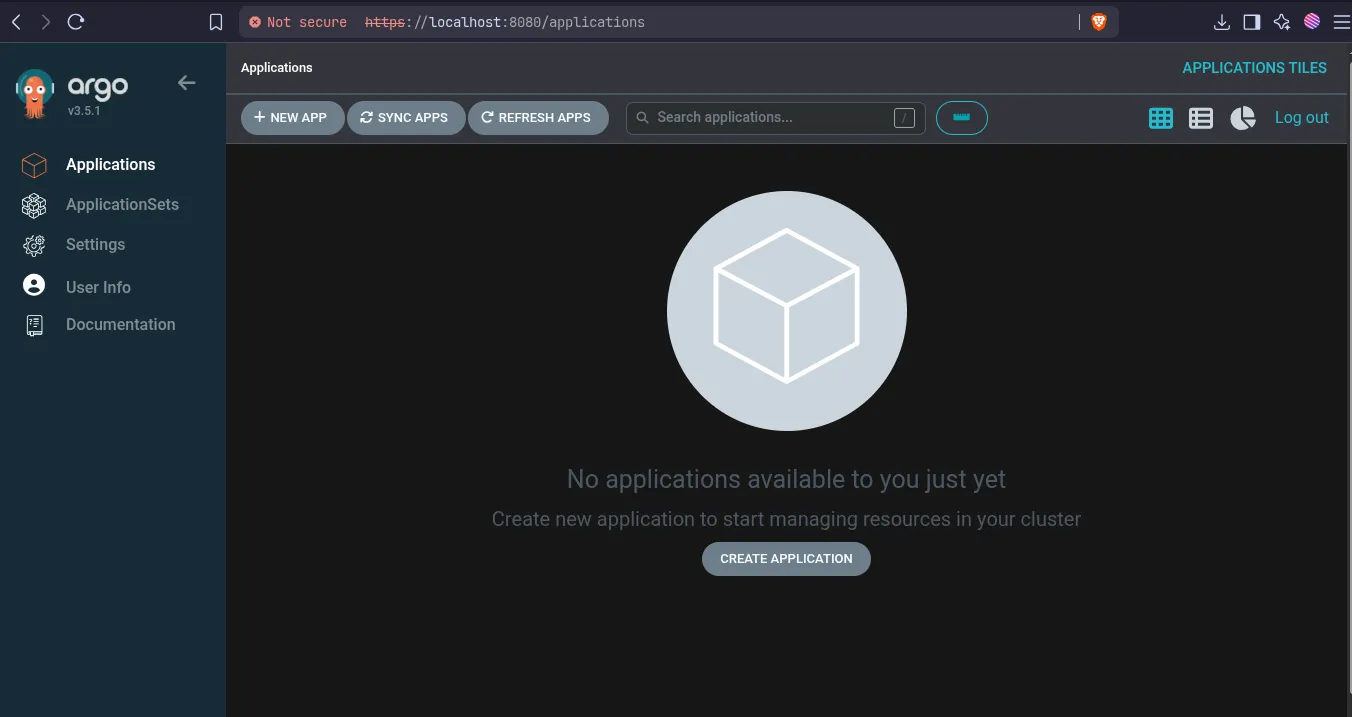
Dashboard
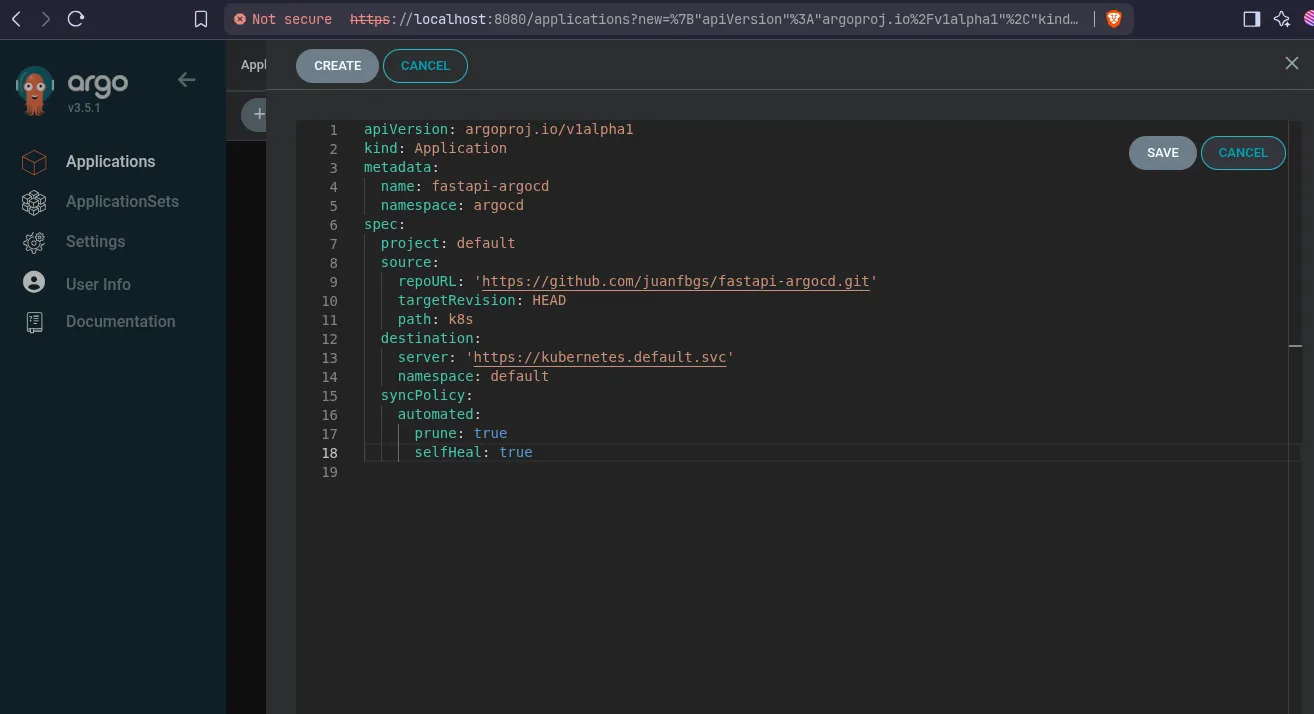
Create demo app via Dashboard
Press EDIT AS YAML
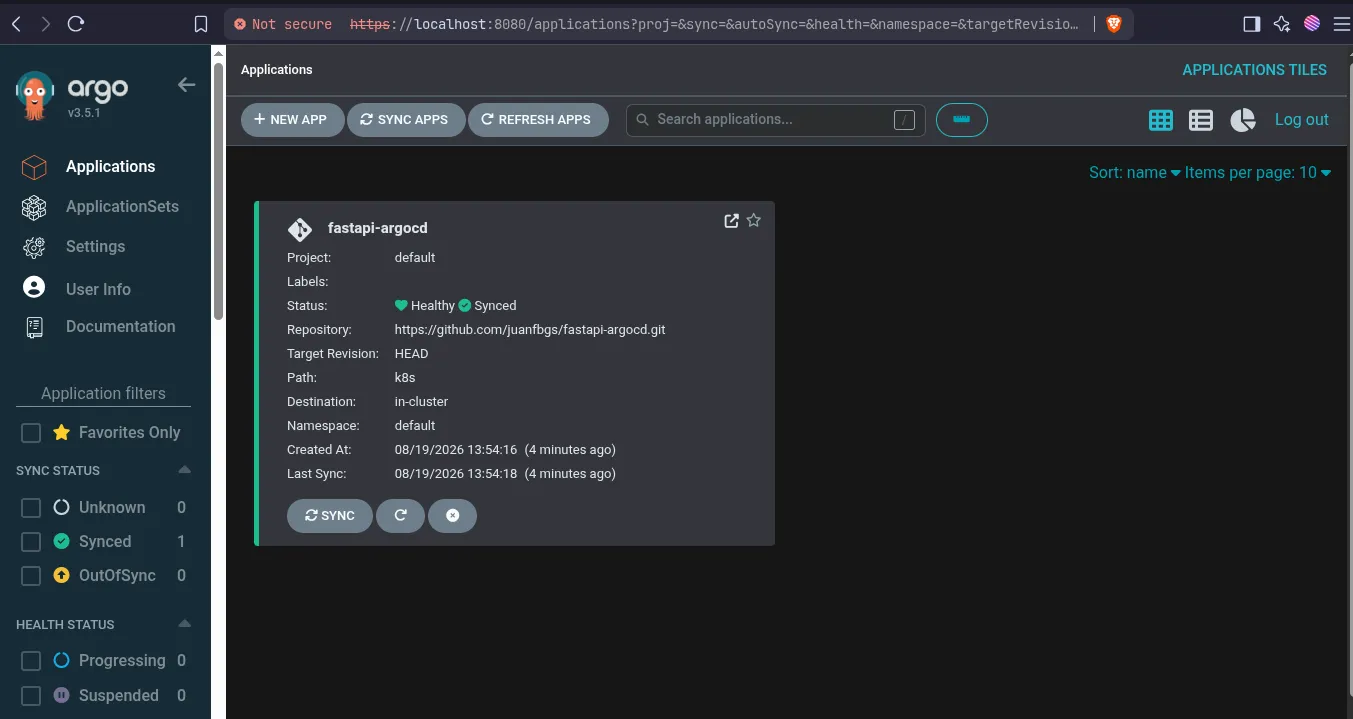
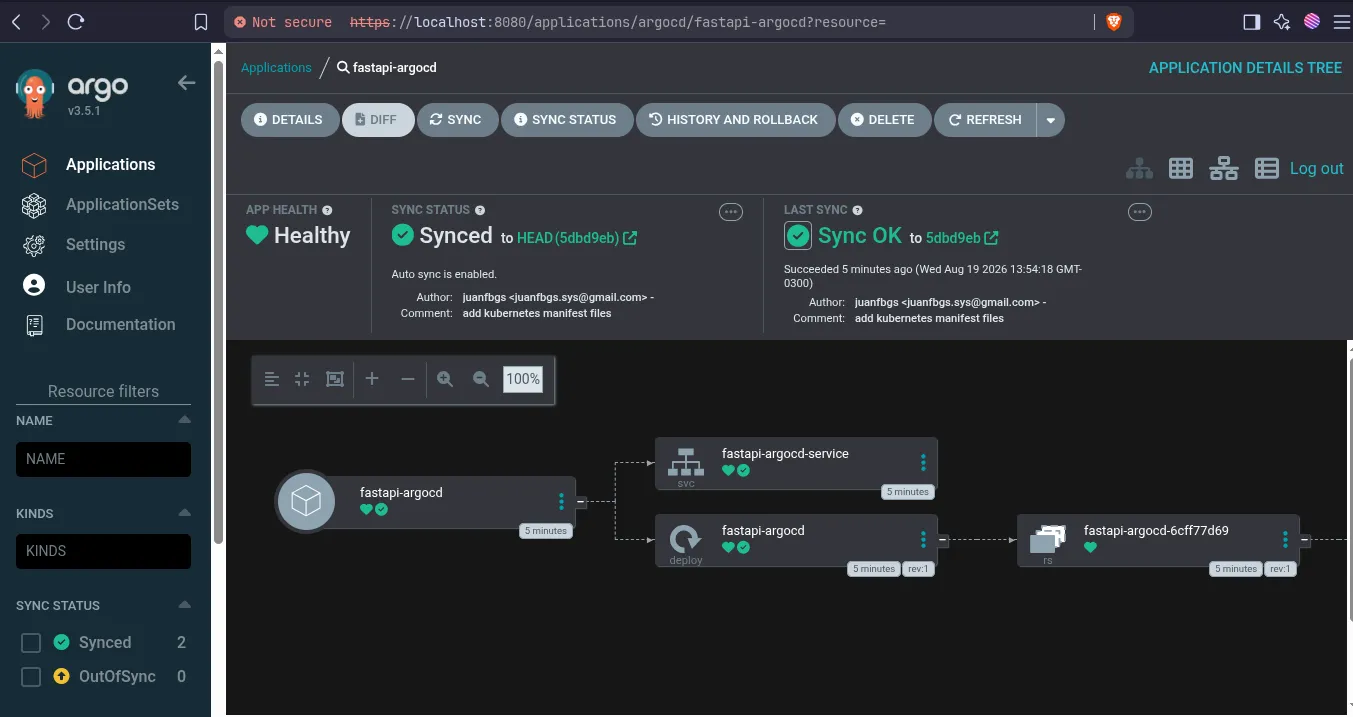
Port Forwarding via CLI
> kubectl port-forward svc/fastapi-argocd-service 8000:80
Forwarding from 127.0.0.1:8000 -> 8000
Forwarding from [::1]:8000 -> 8000
Handling connection for 8000