OpenShift Local with Podman Desktop
Creating an OpenShift Local instance
OpenShift Local is a tool designed to run an OpenShift cluster directly on your local machine.
Install Podman Desktop
Install the Podman Engine
sudo apt update && sudo apt install -y podmanDownload and Extract Podman Desktop
Download the latest Linux tarball
# Move to the folder where you downloaded the file
cd ~/Downloads

# Extract the archive to /opt
sudo tar -xzf podman-desktop-*.tar.gz -C /opt

# Rename the extracted folder for easier referencing
sudo mv /opt/podman-desktop-* /opt/podman-desktop
Download logo
wget https://podman-desktop.io/img/logo.svgsudo cp logo.svg /opt/podman-desktop/resources/podman-desktop.svgAdd to Your Application Launcher Menu
create a .desktop file
Location: ~/.local/share/applications/podman-desktop.desktop
[Desktop Entry]
Name=Podman Desktop
Comment=Manage Podman and other container engines
Exec=/opt/podman-desktop/podman-desktop %U
Terminal=false
Type=Application
Icon=/opt/podman-desktop/resources/podman-desktop.svg
Categories=Development;IDE;
StartupWMClass=Podman Desktop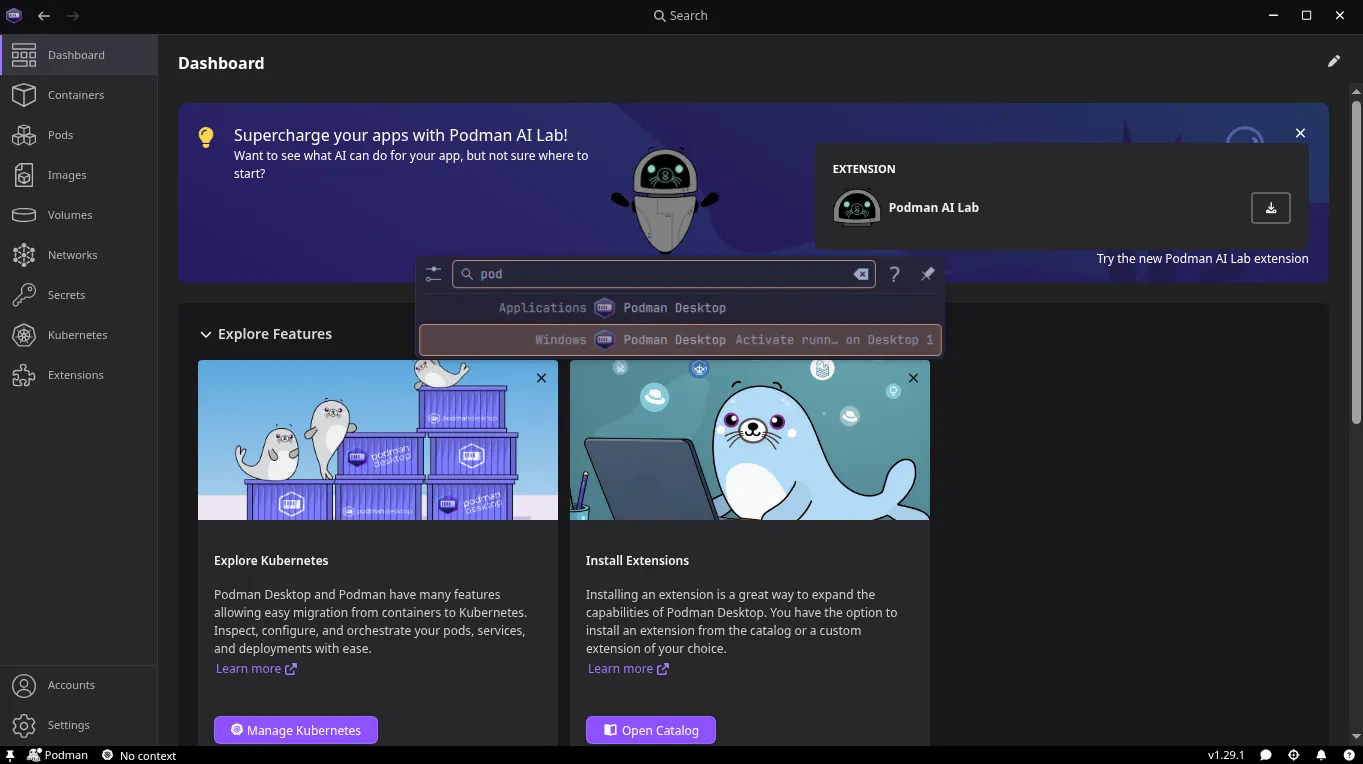
Register a Red Hat account
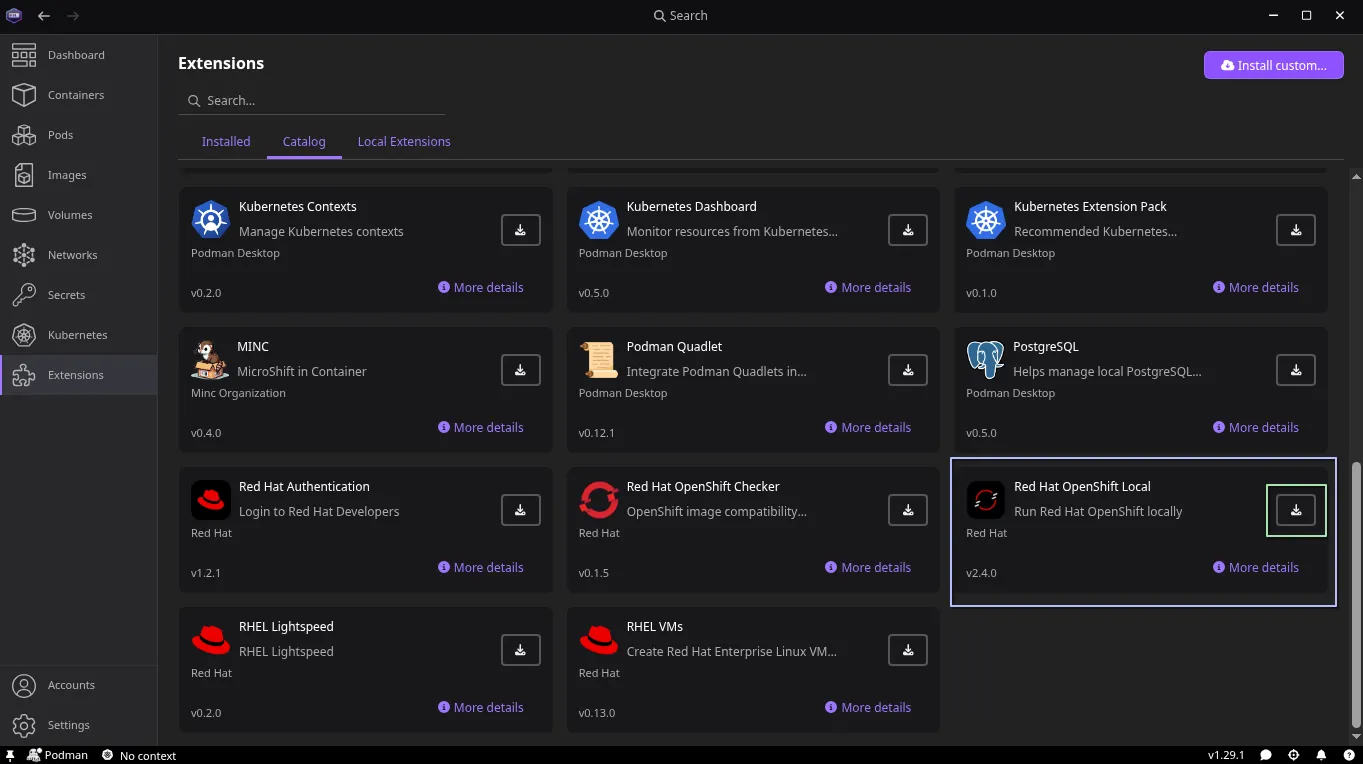
Install the OpenShift Local extension
Install the OpenShift Local binary
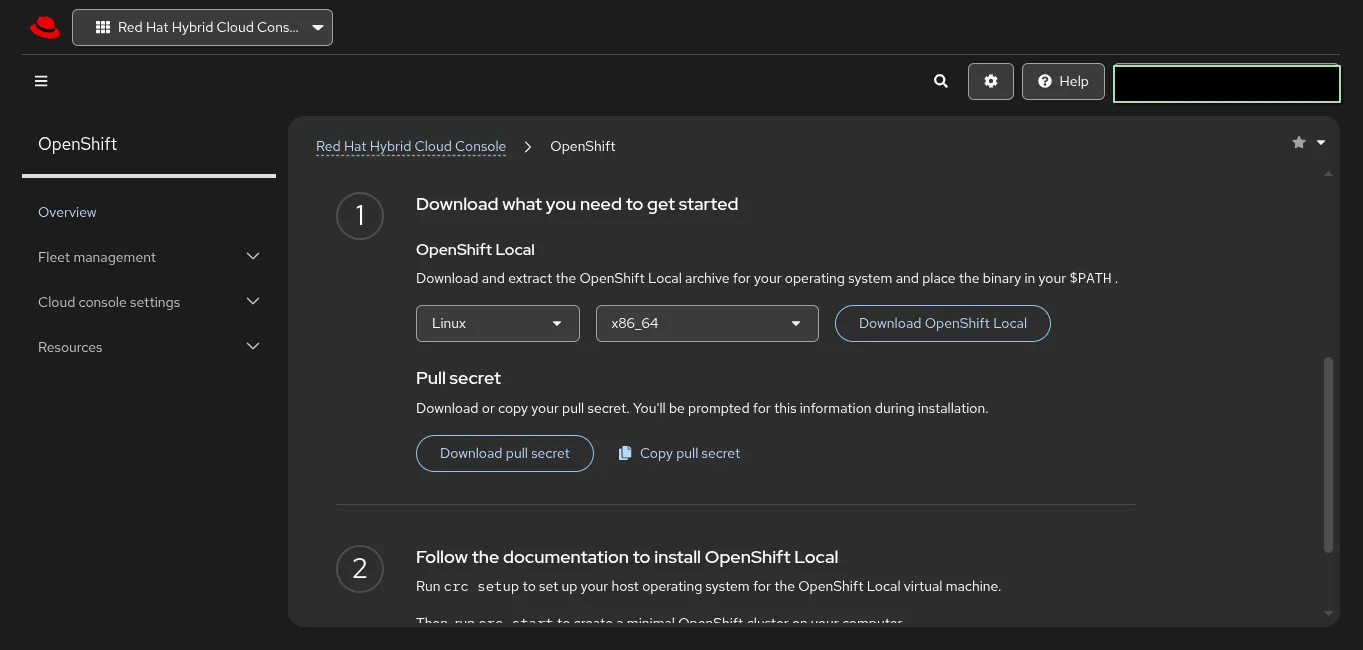
tar -xvf crc-linux-amd64.tar.xzsudo mv crc-linux-2.63.0-amd64/crc /usr/local/binConfigure your system
crc setupYour system is correctly setup for using CRC. Use 'crc start' to start the instance.